

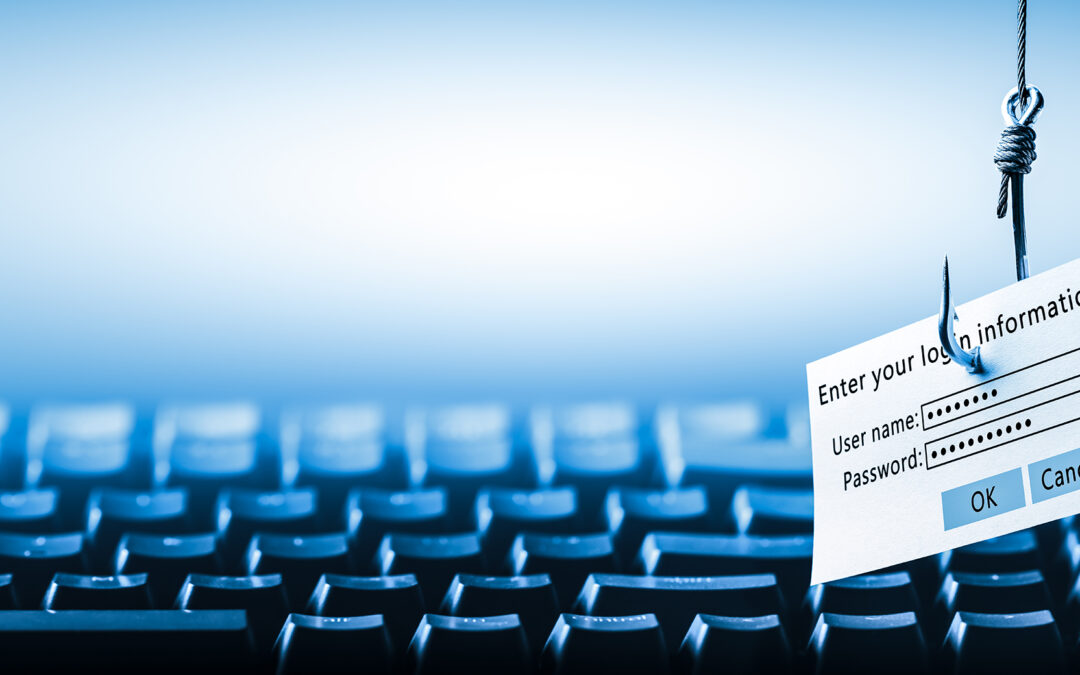
Could Your Employees Spot a Phishing Email Today?
How to Identify Phishing Emails
Phishing continues to be the number one attack vector for threat actors, and it is important that your entire workforce knows the signs of a phishing email. Everyone is a target in today’s cyberwar climate, and email security is usually the first line of defense. Organizations of all sizes experience frequent and extremely sophisticated phishing attacks, and it is unrealistic to expect IT and security teams to identify every threat and fight that battle alone using only technology. The reality is this: because humans are the ones being targeted, humans must also be the primary defense against attackers seeking access to information systems.
99% of the time, any email requesting your password is a phishing attempt.
What Is Phishing?
Let’s start with the basics. Phishing is an email designed to trick recipients into sharing sensitive information—typically by impersonating a company or trusted individual. These emails often use urgency or fear to prompt quick action without careful thought. Attackers aim to get recipients to click a link leading to a fake webpage to steal login credentials or to download a malicious attachment that installs malware.
Why Phishing Awareness Matters
Successful phishing attacks give attackers a foothold in corporate networks, access to intellectual property, and in some cases, direct financial gain. The key to prevention is awareness—training your team to recognize phishing attempts. Although there are multiple forms of phishing, they all share the same goal: getting the recipient to take a specific action such as clicking a link, opening an attachment, or divulging valuable credentials.
Look for a “Hook” in Phishing Emails
Phishing emails are increasingly researched and customized to target specific recipients. With the massive number of data breaches in recent years, attackers have more information than ever to craft believable messages. While technology helps block many threats, the sophistication of modern phishing attacks means some will still get through. Fortunately, phishing emails often contain tell-tale “hooks” that can give them away—if you know what to look for.
10 Most Common Signs of a Phishing Email
- An Unfamiliar Tone or Greeting
If the language doesn’t sound like the sender—too formal, too casual, or just “off”—it’s a red flag. For example, if a CTO who never uses formal salutations suddenly begins an email with “Dear Scott,” something is wrong. Trust your instincts and investigate further.
- Grammar and Spelling Errors
Professional organizations typically use spell check and proofreading tools. Obvious spelling or grammatical mistakes are strong indicators that an email is not legitimate.
- Inconsistencies in Email Addresses, Links, or Domain Names
Check whether the sender’s address matches previous correspondence. Hover over links before clicking—if an email claims to be from PayPal but the link doesn’t include “paypal.com,” do not click. If the domain doesn’t match, it’s a giveaway.
- Threats or a Sense of Urgency
Scammers rely on pressure to encourage quick action. Phrases suggesting negative consequences or demanding immediate responses are common in phishing attempts.
- Suspicious Attachments
Unexpected files—especially .zip, .exe, .scr, or any unfamiliar extension—should be handled with caution. Always have unexpected attachments scanned before opening.
- Unusual Requests
If an email asks you to do something you normally wouldn’t—install unauthorized software, visit unusual links, or bypass standard procedures—it’s likely malicious.
- Short and Vague Messages
Some phishing attempts are intentionally sparse in detail. A vague message like “Here’s what you requested” with an attachment called “additional information” may be designed to catch you off guard.
- You Did Not Initiate the Conversation
Unsolicited messages offering prizes, discounts, or benefits should be viewed with suspicion—especially if you did not opt into receiving such communication.
- Requests for Credentials, Payment Information, or Personal Data
Attackers often create fake landing pages that mimic legitimate websites. If an email asks you to log in or pay unexpectedly, go directly to the website by typing the URL—never click the link in the email.
- See Something, Say Something
If you are receiving phishing emails, others likely are too. You can right-click suspicious emails and select “Block” → “Block Sender.” If the volume continues, contact the Helpdesk for assistance.
If you need help improving your organization’s phishing defense or implementing cybersecurity best practices, our team is here to support you.